Week of August 3, 2026
Deleting a workspace now stops it doing anything, anywhere — outstanding notetaker bots are recalled and every connection is revoked at the provider.
Deleting a workspace stops it doing anything, anywhere
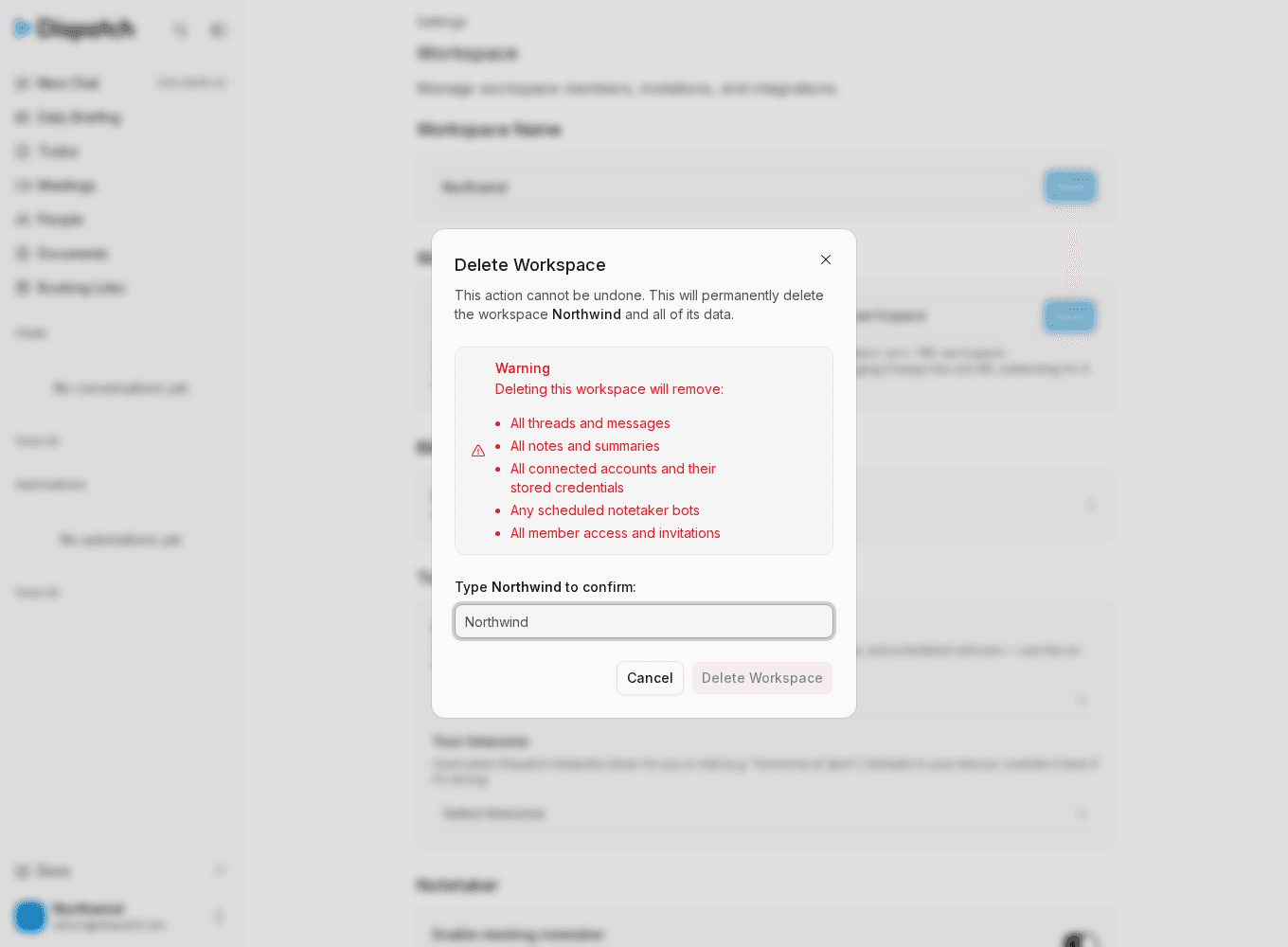
Deleting a workspace used to remove it from your account and nothing more. Everything it had already handed to another service kept running: a notetaker bot booked for next week still walked into the meeting, Gmail and Google Calendar connections stayed active with working credentials, and calendar sync kept updating meetings for a workspace that no longer existed.
Deletion is now a hard stop. Before the workspace is removed, its background work is switched off, and then everything already in flight is pulled back:
- Every outstanding notetaker bot is recalled, including one that is already sitting in a meeting.
- Every connection is disconnected the way it would be if you had disconnected it yourself, so provider-side subscriptions are torn down and the stored credentials are deleted.
- Google push notifications are stopped and the Google authorization itself is revoked, so Dispatch no longer appears as an authorized app in your Google account.
That covers all connection types, not just Google: Outlook, Slack, Telegram, MCP servers and Composio are all included.
The revocation work runs in the background, so the delete itself returns as soon as the workspace is blocked and gone from your account. If a provider is unreachable at that moment, the deletion still completes. Recalling a notetaker bot and revoking your Google authorization are retried a few times before we give up, since those are the ones we can't come back to later; anything else that fails is recorded for us to repair rather than left silent.
If the same Google account is connected to another workspace of yours, revoking the authorization affects that workspace too. It will ask you to reconnect Google the next time it needs it, which you can do from Settings.
Smaller changes
- The delete confirmation says what it actually removes — the warning list now names every connected account and its stored credentials, plus any scheduled notetaker bots, instead of mentioning only Google.